Take Your First Step into Mobile App Development with React Native!
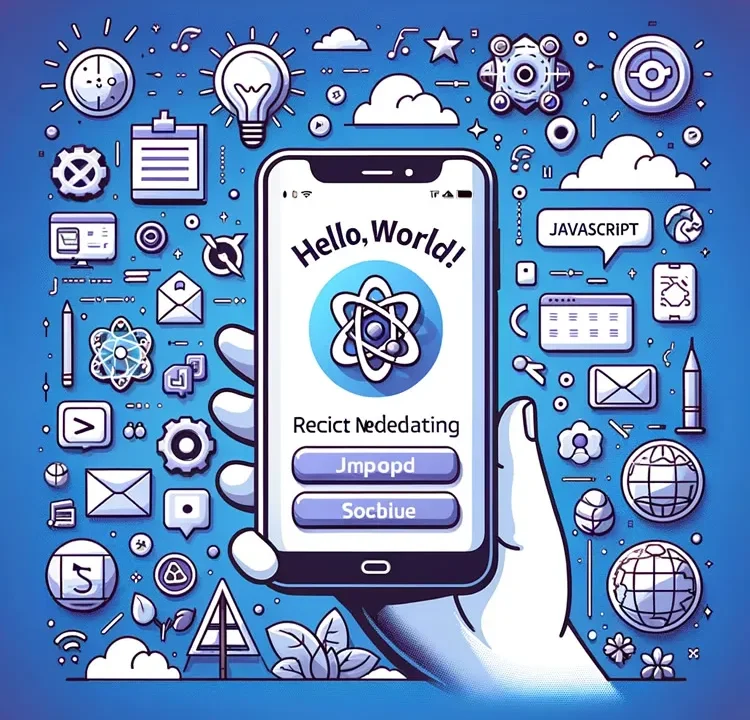
React Native is a framework developed by Facebook that allows you to build native mobile applications using JavaScript. In this article, we will introduce the knowledge, preparation, and basic sample code you need to get started with app development using React Native.
Assumed Technical Level and Programming Languages to Learn
- Technical level:
Basic programming knowledge is helpful, but even complete beginners can get started. - Languages to learn:
JavaScript is the main language. Knowledge of HTML and CSS is also useful, but not required.
Things to Prepare
- Basic knowledge:
It will be smoother if you understand basic JavaScript syntax and the concepts of HTML/CSS. - Idea:
It is important to have a simple idea of what kind of app you want to create.
Setting Up the Development Environment
- OS:
You can develop on Windows, macOS, or Linux. - Text editor:
Editors such as Visual Studio Code or Atom are suitable. - Node.js:
A JavaScript runtime environment. npm (the package manager) is installed together with it.
Reference Websites and Their Descriptions
- React Native Official Website
Provides the latest documentation, tutorials, and community information. - React Native Express
Offers plenty of beginner-friendly guides. - Awesome React Native
A curated list of various libraries, tools, and project examples.
Software to Install and How to Do It
Node.js and npm
- Official website:Node.js Official Website
- Installation:
Download the installer from the website and follow the instructions to install.
React Native CLI
- Command:
npm install -g react-native-cli - Description:
Allows you to easily manage React Native projects from the command line.
Sample Code for Beginners
Creating a New Project
npx react-native init HelloWorld
This will create a new project named HelloWorld.
Editing the Code
Move to the created project folder and open App.js. Try editing it as shown below.
import React from 'react';
import { View, Text } from 'react-native';

const App = () => {
  return (
    <View style={{flex: 1, justifyContent: 'center', alignItems: 'center'}}>
      <Text>Hello, world!</Text>
    </View>
  );
};

export default App;
Running the App
For iOS, run npx react-native run-ios. For Android, run npx react-native run-android.
With this, your basic “Hello, world!” app is complete!
Summary
React Native has a relatively gentle learning curve and provides an environment where even beginners can easily start app development. We hope this article becomes your first step into app development with React Native. Good luck!
※ If you reuse this content, please do so at your own responsibility.