Recommended 9 JavaScript Date, Time, and Calendar Processing Plugins
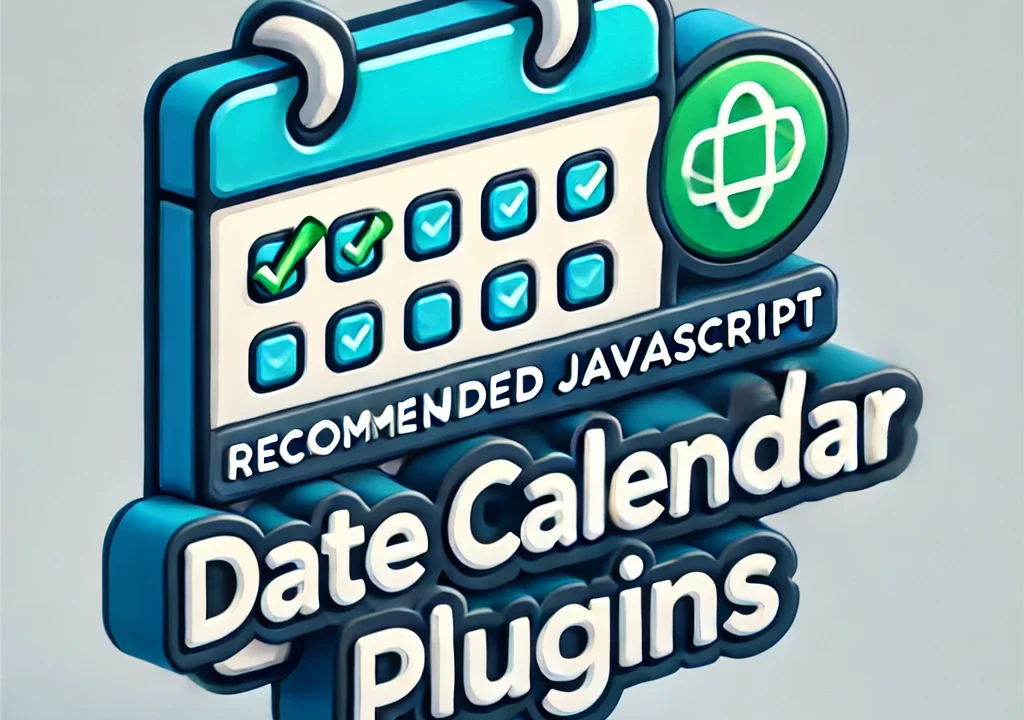
When using JavaScript, handling Date, date, time, and calendar-related processing is something you will inevitably do.
This time, we introduce 9 recommended JavaScript plugins for Date, date, time, and calendar processing.
exdate.js
Extends the Date object and displays date and time (year, month, day, hour, minute, second) in a specified format.
The Complete Guide to Date and Time Formatting with exdate.js
dateformat.js
Allows you to display date and time in a specified format (such as zero-padding).
Date Formatting in JavaScript: A Practical Guide to Displaying Dates with dateformat.js
Day.js
Enables easy date and time handling without using JavaScript’s built-in Date functionality.
How to Easily Handle Dates and Times with dayjs.js
Moment.js
Similar to Day.js, you can easily handle and display dates and times using moment.js without relying on JavaScript’s Date functionality.
Easy Date and Time Handling in JavaScript with moment.js: Methods and Examples
jClocksGMT.js
Displays the time of various countries as clocks based on Greenwich Mean Time.
How to Display Real-Time World Clocks Using jClocksGMT.js
Calculate Current Age from Date of Birth
This does not use a plugin, but instead uses JavaScript’s Date to calculate and display the current age based on a date of birth.
Easy with JavaScript! How to Automatically Calculate and Display Age from a Date of Birth Input
Format UNIX Time
Displays UNIX time as a formatted date and time using JavaScript. UNIX time is often used as the date and time output by various APIs.
How to Convert UNIX Time into a Readable Date Format with JavaScript
jQuery Countdown
Displays a countdown from a specified date.
How to Display a Countdown from a Specified Date Using jquery.countdown.js
FullCalendar
A calendar plugin that supports month, week, and time-based views. It also supports Google Calendar.
FullCalendar: A JavaScript Calendar Plugin Supporting Month, Week, and Time Views
Date handling is performed in any programming language, but this time we picked up tools that make Date, date, time, and calendar processing easier in JavaScript.
Please choose the most suitable plugin according to your project requirements and design.
Also, when using them, we recommend referring to the official documentation and configuring or customizing them appropriately.
※If you reuse this content, please do so at your own risk.
Please do not reuse the Google Analytics tag inside the head tag of the demo pages.